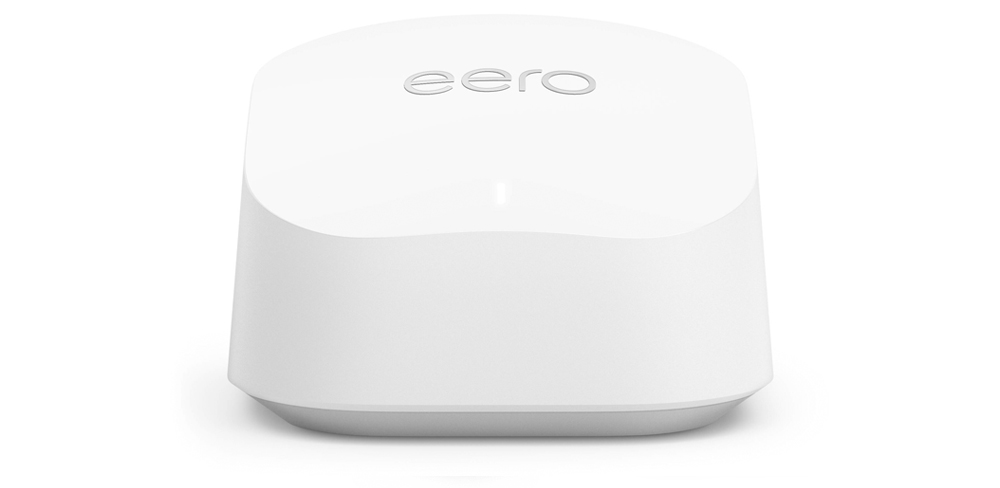
eero 7


 Winners - Best Business Broadband Provider & People's Choice - Broadband 2025
You're only a few simple steps away from enjoying your Voyager Broadband connection in your home or workplace.
Let's Get You Connected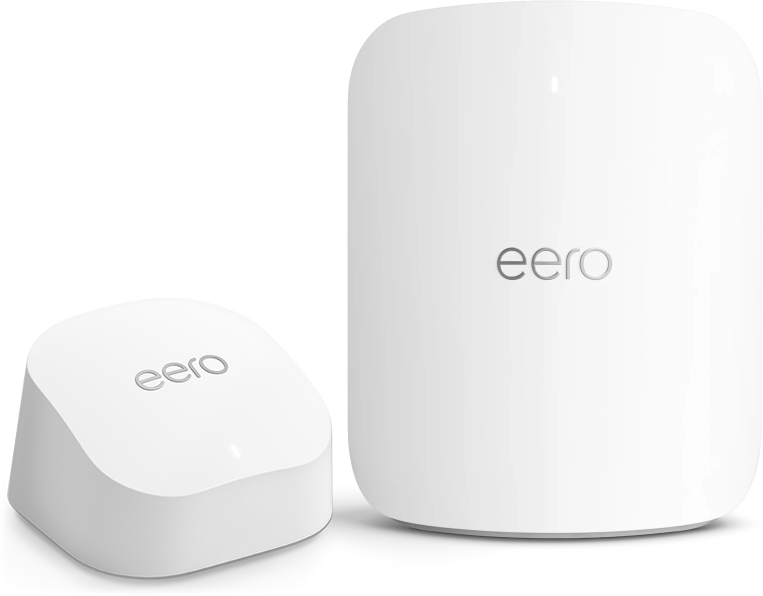
The app will walk you through the setup process step by step — it's quick and easy.
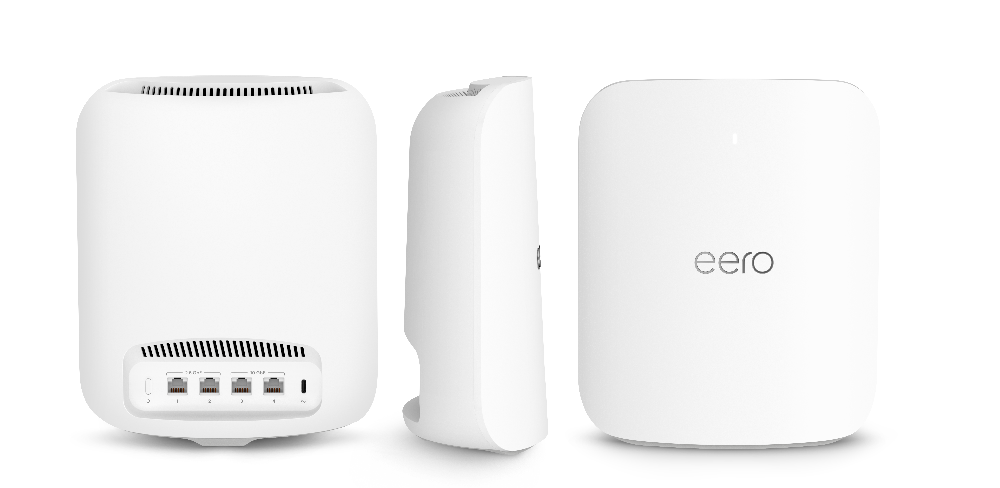
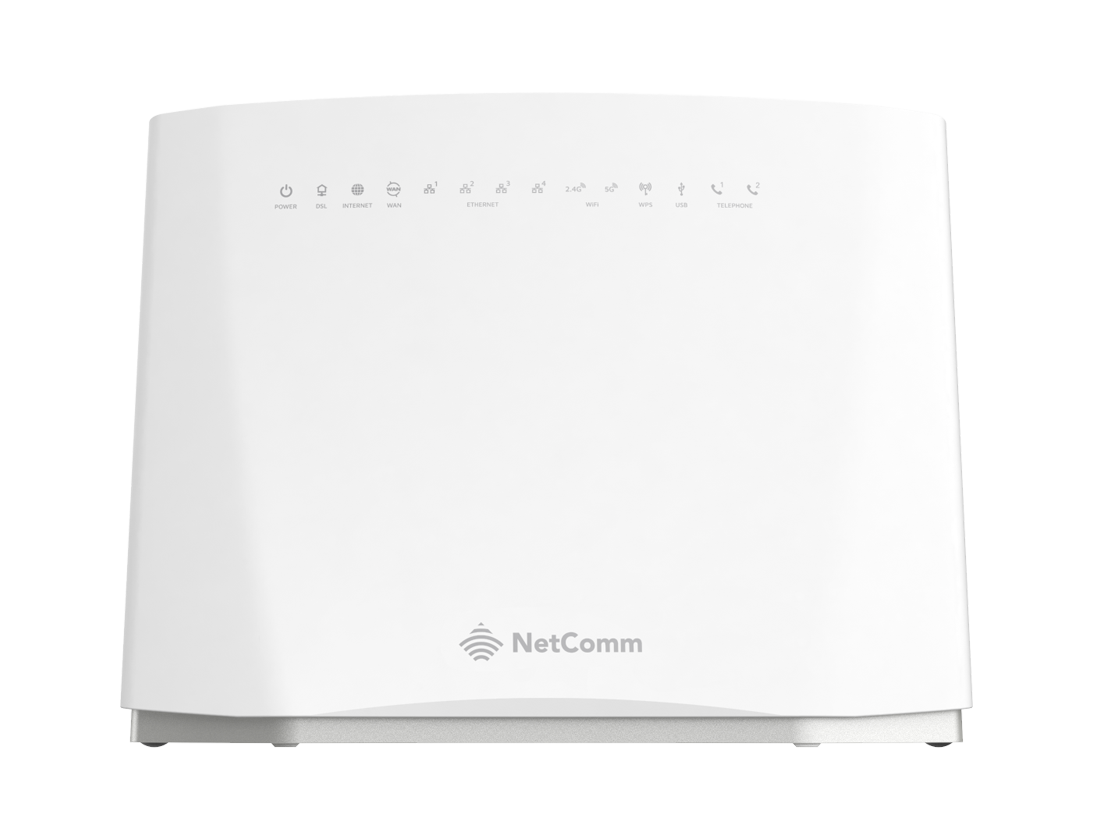
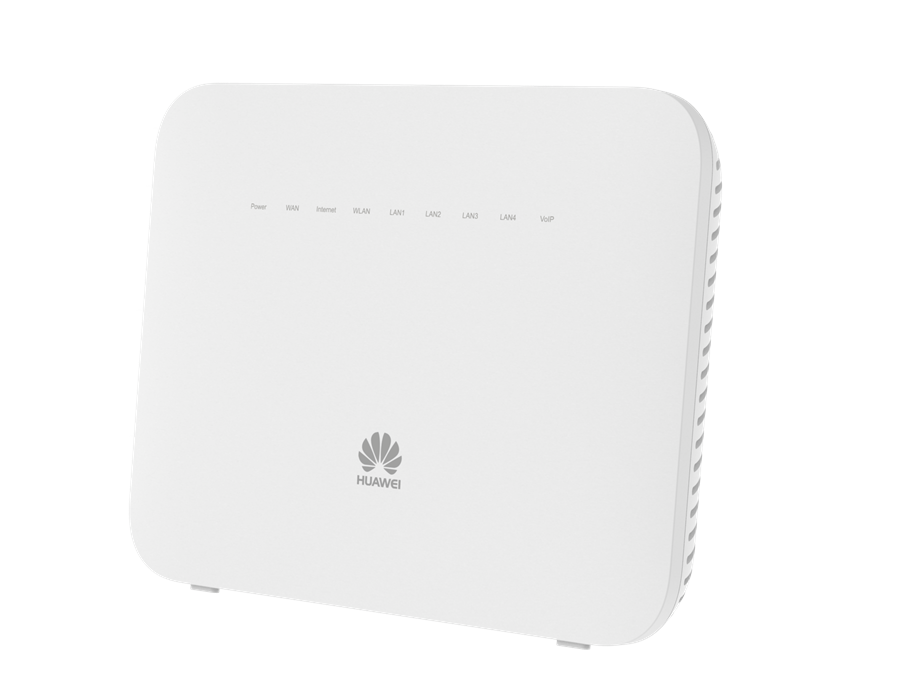
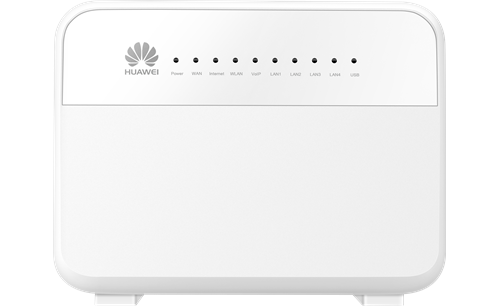
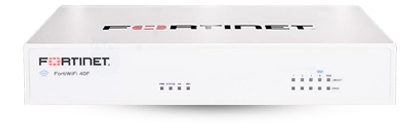
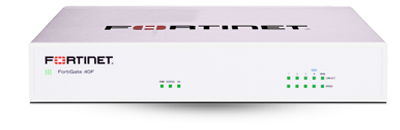
Here are some of our other routers. Click on the image for setup & knowledgebase guides
We've got answers.
Yes, you do need the app to set up and manage your eero router. From your app, you not only get access to an guided set up, but access to your eero for Business and eero Secure included free for 12 months with your eero router. These allow you to customize your security, view real-time usage, and make adjustments from anywhere.
Simply navigate to xyz in the app to renew your eero for Business or eero Secure subscription.
This means exactly that - you will rent the eero router from Voyager for 24 months, meaning we cover any maintenance costs during this time. Once the 24 months is up - your eero router is yours to keep! We will not require you to return this, if you move on from Voyager Broadband, but from this point in time, you will be responsible for any maintenance. Read our full T&Cs here.